Adding Users
Edited
Adding users does not require any extra steps on your end!
For a new user to get started with SignGlasses, all they need to do is:
Log in to Okta
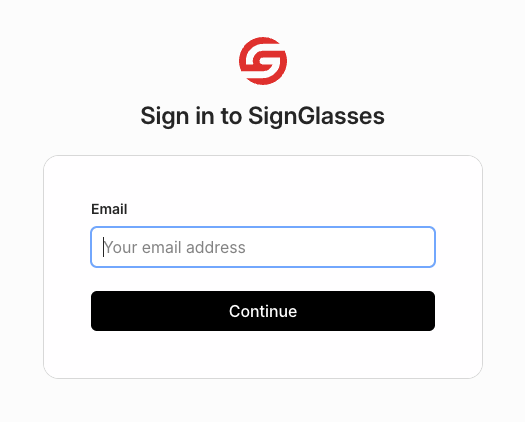
Go to signin.signglasses.com
Enter in their work email address
Click [Continue]
Then they will be added to and logged in to SignGlasses.
Having trouble with this? Please reach out to us at ops@signglasses.com
Was this article helpful?
Sorry about that! Care to tell us more?