View your User's Transcripts
Edited
As an institution administrator, you can view the transcripts from all of your user's SignGlasses sessions. The transcript should be available to you and the user within 24 hours of the completed session.
The Transcripts Page
Log into your SignGlasses account
Select the Transcripts page on the left-hand side of your screen
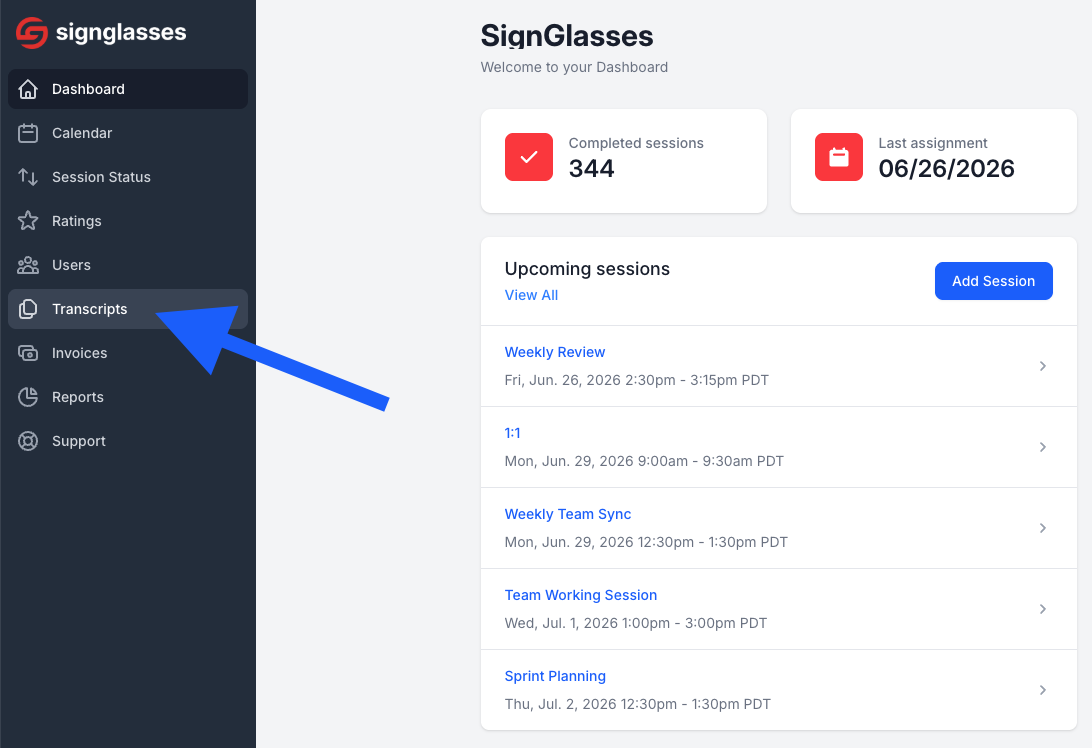
Scroll through the list to find the transcript you are looking for
The transcripts are labeled by session title with the date, with the most recent sessions at the top.
Click Download transcript for the corresponding session.

Upon clicking the download option, a copy of the transcript will be downloaded to your device where you can locate it in your files and open it for review.
Was this article helpful?
Sorry about that! Care to tell us more?